
Full workflow platform
Check printing software features built for real business workflows
CheckCrafter is more than a basic check printer. This online check printing software supports single checks, repeatable daily operations, and bulk cycles with stronger control and audit-ready documentation.
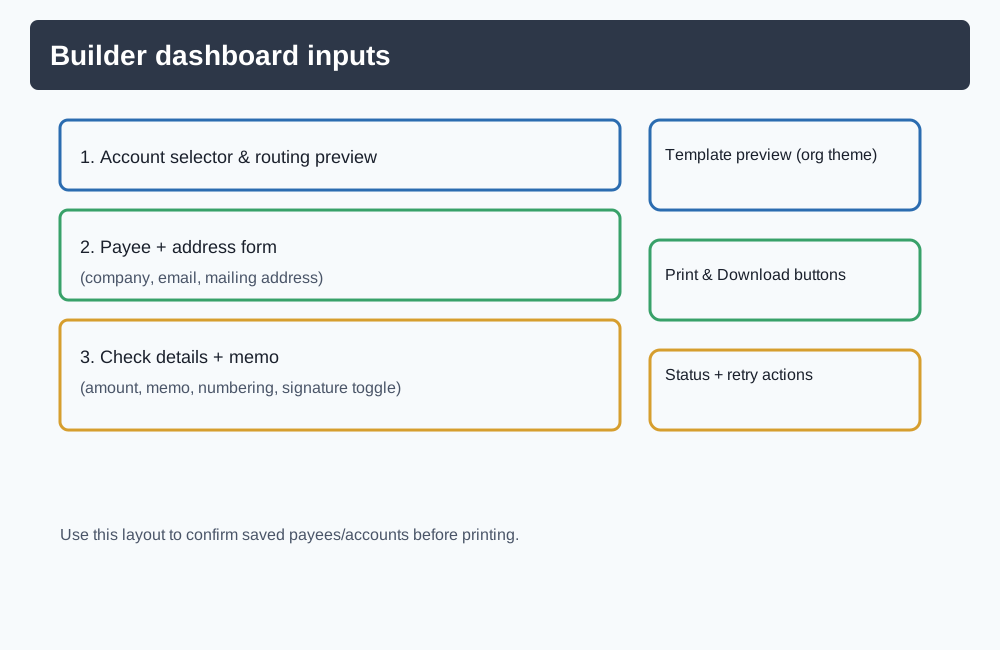
Start fast with Quick Check, then scale into saved records, imports, reporting, and bulk processing.
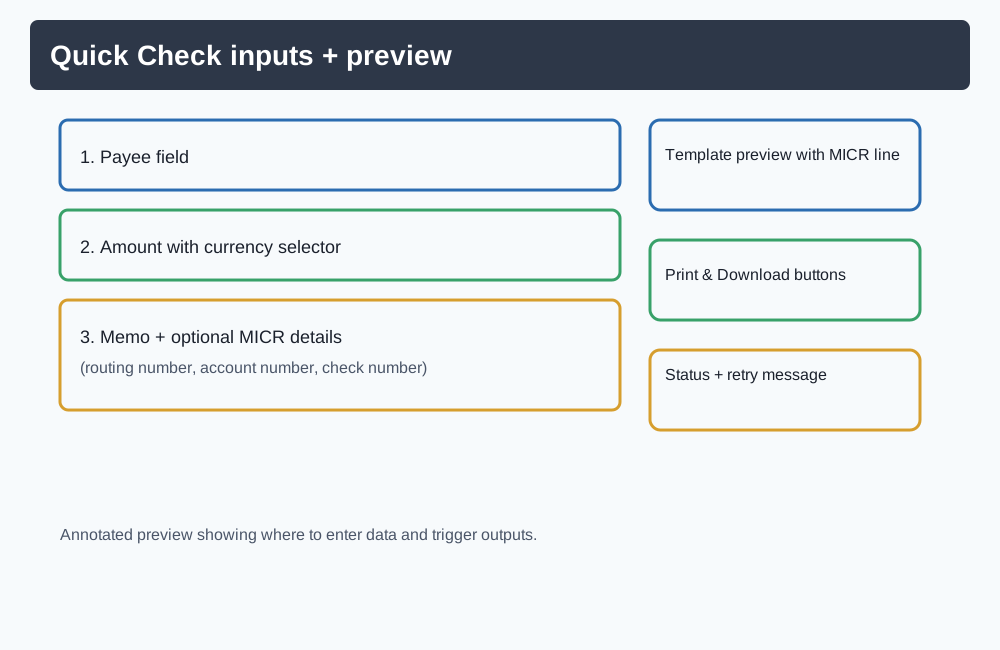
Quick Check for instant check creation
For one-off payments, use the fastest path: enter payee, amount, and memo, choose template/signature options, preview, then generate a print-ready PDF.
- Payee, amount, date, memo, routing, and account fields in one flow
- MICR-ready output support in generated check templates
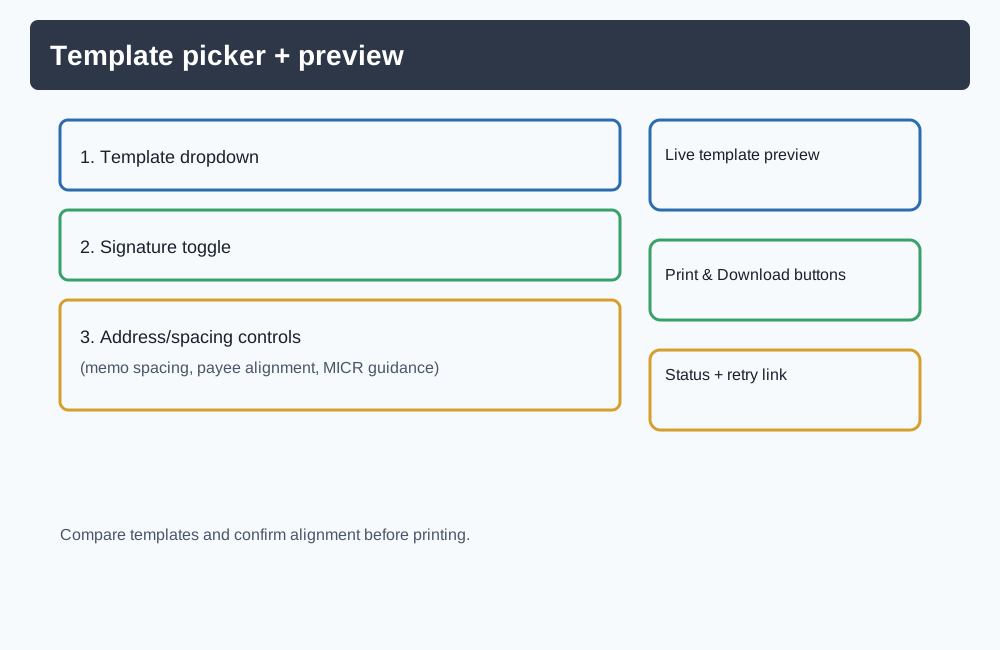
- Template preview plus optional signature toggle
- Built for writing a check in minutes when speed matters
Full Check Builder for repeatable daily workflows
When check printing is recurring work, move into the account workflow to save records and reduce repetitive entry.
- Saved bank accounts and saved payees
- Searchable selections for payee and bank reuse
- Check history and reports visibility
- Consistent process for finance and operations teams
Check stub details with invoice-level granularity
Add detailed stub data for cleaner reconciliation and clearer payment context.
- Invoice number, invoice date, and line-level amount fields
- In-app editable invoice table
- CSV import option for invoice rows
- Useful for accounting review and recipient clarity
Attachments and document-backed audit trails
Attach supporting documents to printed checks so records include the underlying evidence.
- Upload files and associate them with check records
- Preview attachments directly in reporting views
- Download and print attached documents
- Attachment filters in reports for audit preparation
More check printing software features for scale, control, and confidence
These print checks online features help teams move from ad-hoc check creation to a reliable business system.
CSV imports for onboarding speed
Import payees and bank accounts in bulk using downloadable templates, with import summaries for skipped rows and errors.
Bulk Check Wizard for scale
Upload CSV files, resolve unmatched rows, skip problematic entries, export skipped rows, print batches, and reprint batch items later.
Guest and team workflows
Owners can invite staff, accountants, or bookkeepers and scope access to assigned payees, bank accounts, and privilege actions.
Security and confidence controls
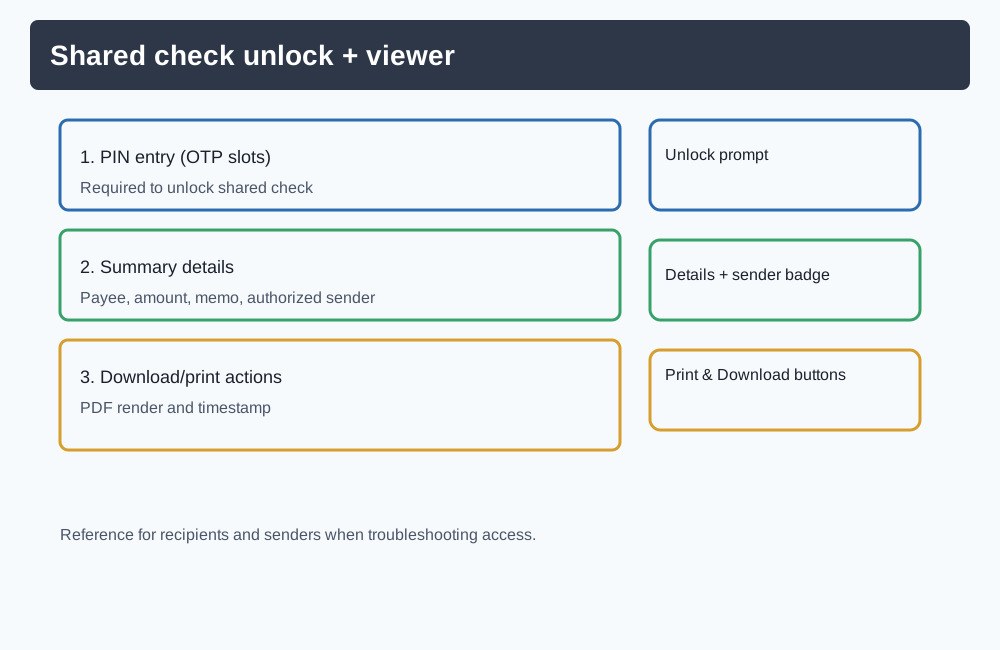
Share checks with PIN + expiration access windows, keep authenticated workspaces for ongoing operations, and export/download PDFs as needed.
Outcomes teams get from this business check printing tool
Faster turnaround
Move from payment request to printable check quickly for one-off and recurring runs.
Fewer manual errors
Reuse saved entities and structured CSV flows instead of repeatedly rekeying check data.
Better auditability
Keep stub-level invoices, memos, history, and attachments tied to check records.
Safer delegation
Use permission-scoped access so teams can execute tasks without full financial exposure.
Smoother high-volume cycles
Run payroll/vendor batch workflows with review, skip handling, and reprint support.
Need full workflow coverage from first check to bulk operations?
Start with Quick Check now, then activate the full account workflow when your volume and team needs grow.